Toggle Side Panel
  • Log In
  • Forums
    • UC2 Brainery Forums
    • UC2 Brainery Groups
    • Log In
    • Join The Community
  • Courses
    • On-Demand Courses
      • Course Code Redemption
    • Bulk Order Products
      • Course Code Redemption
      • Become A Partner or Affiliate
    • Grants to Fund Your Training
  • Resources
    • Bluebeam Use Assessment
    • UC2 Bluebeam Blog
    • Bluebeam Training Videos
      • Learning Paths
    • Free Downloads
      • Playbook: Bluebeam Web/Mobile Transition
      • Hatch Patterns
        • How to Import Bluebeam Hatch Patterns
      • Bluebeam Tool Sets
      • Line Styles
        • How to Import Bluebeam Line Styles
    • FAQ’s
    • UC2 Referral Partners
    • State & Regional Grants
    • UC2 Newsletter Signup
    • All UC2 Events
  • Blog
  • Contact us
    • Contact us
    • Get Help ASAP
    • About
    • Testimonials
      • Submit a Testimonial
More options
    UC2_LOGO__350x131
    Sign in Sign up
    UC2_LOGO__350x131
    UC2_LOGO__350x131
    • Log In
    • Forums
      • UC2 Brainery Forums
      • UC2 Brainery Groups
      • Log In
      • Join The Community
    • Courses
      • On-Demand Courses
        • Course Code Redemption
      • Bulk Order Products
        • Course Code Redemption
        • Become A Partner or Affiliate
      • Grants to Fund Your Training
    • Resources
      • Bluebeam Use Assessment
      • UC2 Bluebeam Blog
      • Bluebeam Training Videos
        • Learning Paths
      • Free Downloads
        • Playbook: Bluebeam Web/Mobile Transition
        • Hatch Patterns
          • How to Import Bluebeam Hatch Patterns
        • Bluebeam Tool Sets
        • Line Styles
          • How to Import Bluebeam Line Styles
      • FAQ’s
      • UC2 Referral Partners
      • State & Regional Grants
      • UC2 Newsletter Signup
      • All UC2 Events
    • Blog
    • Contact us
      • Contact us
      • Get Help ASAP
      • About
      • Testimonials
        • Submit a Testimonial
    Close search
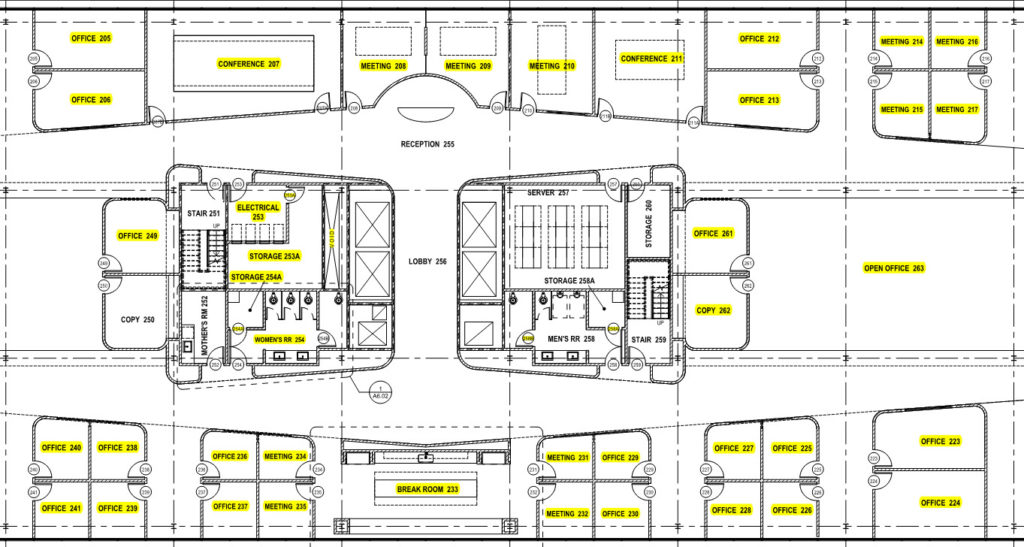
    Quickly hyperlink all your sections and elevations with Bluebeam Revu - Bluebeam Training - Document Management

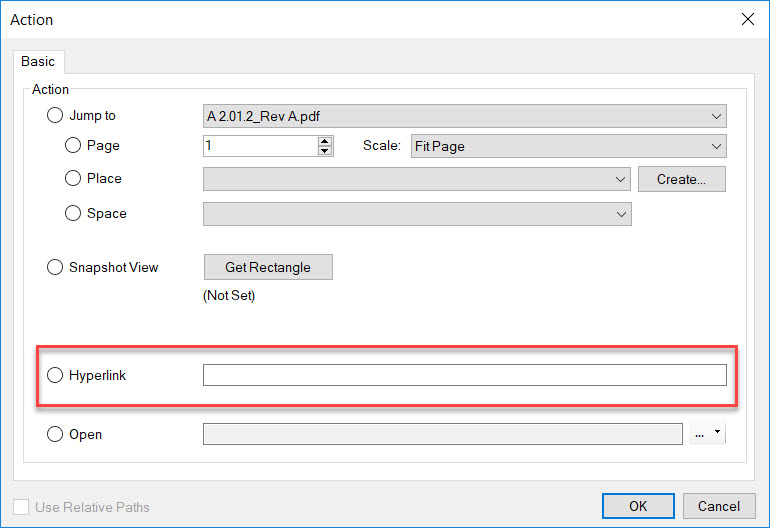
    Can Hyperlinks in Revit be used in PDF documents?

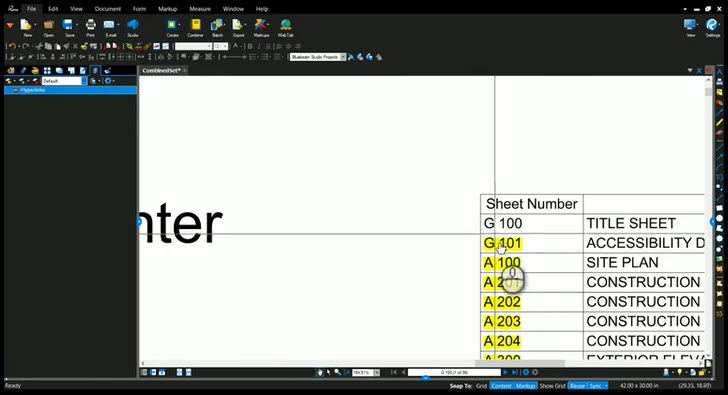
    One of my favorite things about Revit is the active links allowing you to navigate drawing sets by simply double-clicking the sections and elevations to…

    troydegroot
    Troy DeGroot June 10, 2019
    0 Comments
    When I try to highlight something in Bluebeam it highlights everything - Bluebeam Training

    Highlighting Issue in Bluebeam Revu

    When I try to highlight something on my drawing it highlights the entire sheet! There are two types of PDF drawing files, Vector and Raster. …
    troydegroot
    Troy DeGroot June 3, 2019
    5 Comments

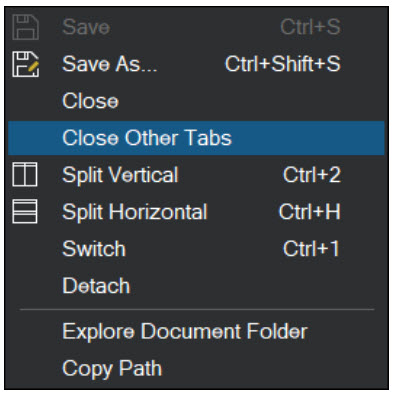
    Quickly open and close PDF documents with Bluebeam Revu.

    If you have several drawing tabs open and want to quickly close them, right click on a tab you want to keep.  In the resulting…
    troydegroot
    Troy DeGroot May 24, 2019
    0 Comments
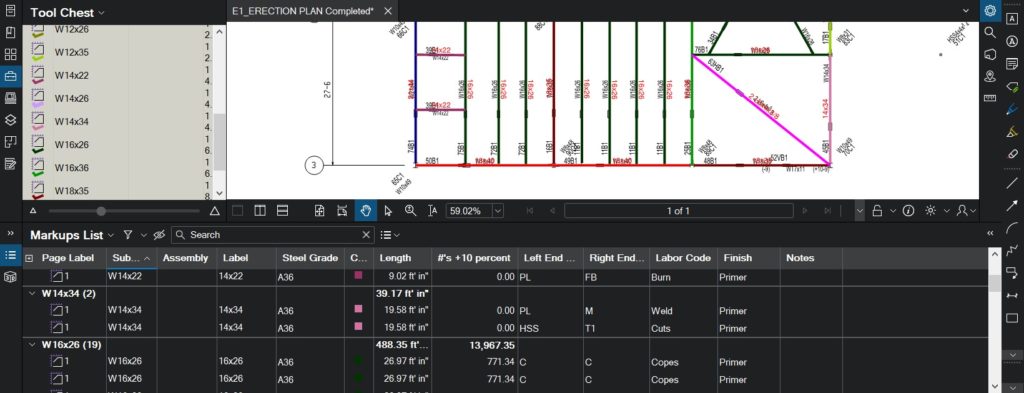
    Steel Estimates in Bluebeam Revu - Bluebeam Training - Advanced Estimating

    Faster Steel Estimates with Bluebeam Revu

    Attention Steel Fabricators, Erectors and Estimators.  Are you currently using 20 colored highlighters, scratch paper, a calculator, a Planimeter, cheater glasses and Ibuprofen to complete…
    troydegroot
    Troy DeGroot May 9, 2019
    4 Comments

    Bluebeam – Project Atlas

    Check out this recent article on Bluebeam’s website.  Bluebeam teased us with at the 2018 eXtreme Conference are as exciting today as they were when…

    troydegroot
    Troy DeGroot March 15, 2019
    2 Comments
    Hatch Patterns for Bluebeam Revu

    Free Hatch Patterns for Bluebeam Revu

    FREE DOWNLOAD ALERT:  Click here to download 82 of the most popular AutoCAD hatch patterns.    Here is a video where I show how to…

    troydegroot
    Troy DeGroot January 17, 2019
    29 Comments
    Batch Sign & Seal in Bluebeam Revu - Bluebeam Training - Document Management

    Batch Sign & Seal with Bluebeam Revu eXtreme

    Quickly Sign & Seal your drawing set in just a few steps using Batch Sign & Seal. To be clear right from the start, the…

    troydegroot
    Troy DeGroot June 7, 2017
    5 Comments

    Bluebeam Revu 2017 – Dynamic Fill

    It’s a lot more difficult to be consistent with blog posts then I thought it would be.  I will keep things real and genuine, but…

    troydegroot
    Troy DeGroot April 9, 2017
    2 Comments
    Add images from 360 degree photos to your PDFs in Bluebeam Revu - Bluebeam Training - Punch Workflows

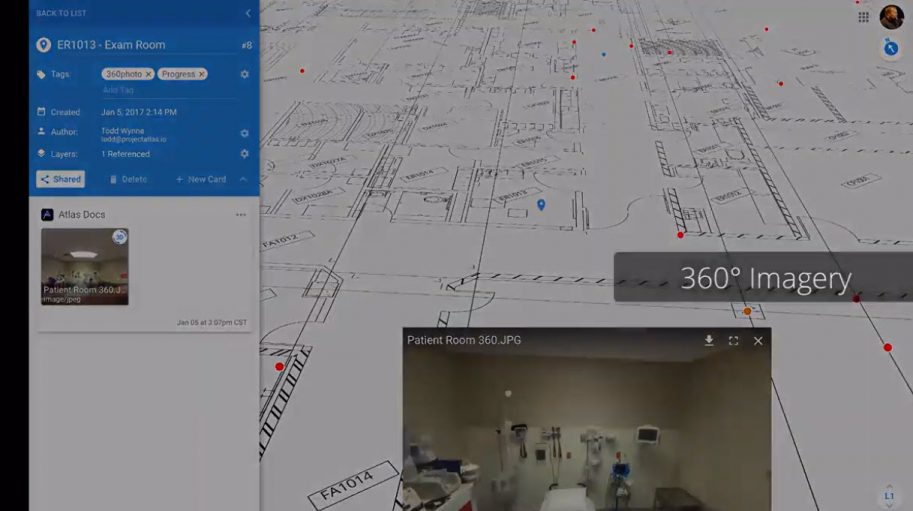
    Bluebeam Revu – 360-Degree Photos

    Bluebeam Revu – 360-Degree Photos Bluebeam Revu added the ability to attach 360-degree photos to your PDF drawings pushing the limits of data collection and…

    troydegroot
    Troy DeGroot March 23, 2017
    7 Comments
    Bluebeam Plug-in for Revu CAD or Revu Extreme - Bluebeam Training

    Bluebeam Revu 2017 New Features – Part 1

    What a busy couple weeks, doing live demos and webinars on all the new features in Bluebeam Revu 2017. We’ve all heard the saying “Don’t…

    troydegroot
    Troy DeGroot March 16, 2017
    0 Comments
    Load More

    Subscribe to our newsletter

    Don't miss new updates in your email

    Categories

    Recent Posts

    • construction estimating workflows using Bluebeam Revu to improve project efficiency and support AI readiness

      Where the Work Is in 2026

    • rock climber learning from a more experienced climber above representing professional learning communities in construction

      The Communities That Quietly Shape Careers…

    • Bluebeam Revu interface showing custom help button using WebTab customization

      The Hidden Help Button in Bluebeam…

    See all
    Bluebeam on-demand training courses-UChapter2

    Recent Forum Discussions

    • Shut down
    • Mastering Dynamic Stamps in Bluebeam: Customization with JavaScript
    • Bluebeam Max & AI
    May 2026
    mental health in construction webinar promoting awareness and supportive workplace culture
    May 04 2026

    Building Up Mental Health in the Construction Industry

    advanced javascript in bluebeam webinar showing workflow automation and data integration
    May 18 2026

    Advanced JavaScript in Bluebeam, Unlocking Workflow Automation

    No event found!
    Load More
    Purchase a bluebeam licence earn 50 dollars from UChapter2

    U CHAPTER 2

    • Home
    • UC2 Brainery
    • UC2 Courses
    • Resources
    • About UC2
    • Contact Us

    UC2 COMMUNITY

    • Become A UC2 Member
    • All UC2 Events
    • UC2 Brainery Groups
    • UC2 Brainery Forums
    • UC2 Brainery Members
    • UC2 Newsletter Signup

    UC2 MEMBER LINKS

    • Log In
    • Register

    Search

    © 2026 - U Chapter 2
    • Privacy Policy
    • Terms and Conditions

    Website by KPI Marketing

    Report

    There was a problem reporting this post.

    Harassment or bullying behavior
    Contains mature or sensitive content
    Contains misleading or false information
    Contains abusive or derogatory content
    Contains spam, fake content or potential malware

    Block Member?

    Please confirm you want to block this member.

    You will no longer be able to:

    • See blocked member's posts
    • Mention this member in posts
    • Invite this member to groups
    • Message this member
    • Add this member as a connection

    Please note: This action will also remove this member from your connections and send a report to the site admin. Please allow a few minutes for this process to complete.
    Report

    You have already reported this .