

Bluebeam Workflows Built for MEP Contractors


If you work in mechanical, electrical, plumbing, or fire protection, you’ve probably sat through Bluebeam training that felt like it was built for someone else.
The examples were about plan markups. The Tool Sets were set up for general construction. The instructor knew Bluebeam, but they didn’t know your workflow.
That’s not a knock on the instructor. It’s a structural problem with how most Bluebeam training is designed. MEP workflows have specific requirements that general training rarely addresses, and the gap shows up the moment you try to apply what you learned back at your desk.
What Makes MEP Different
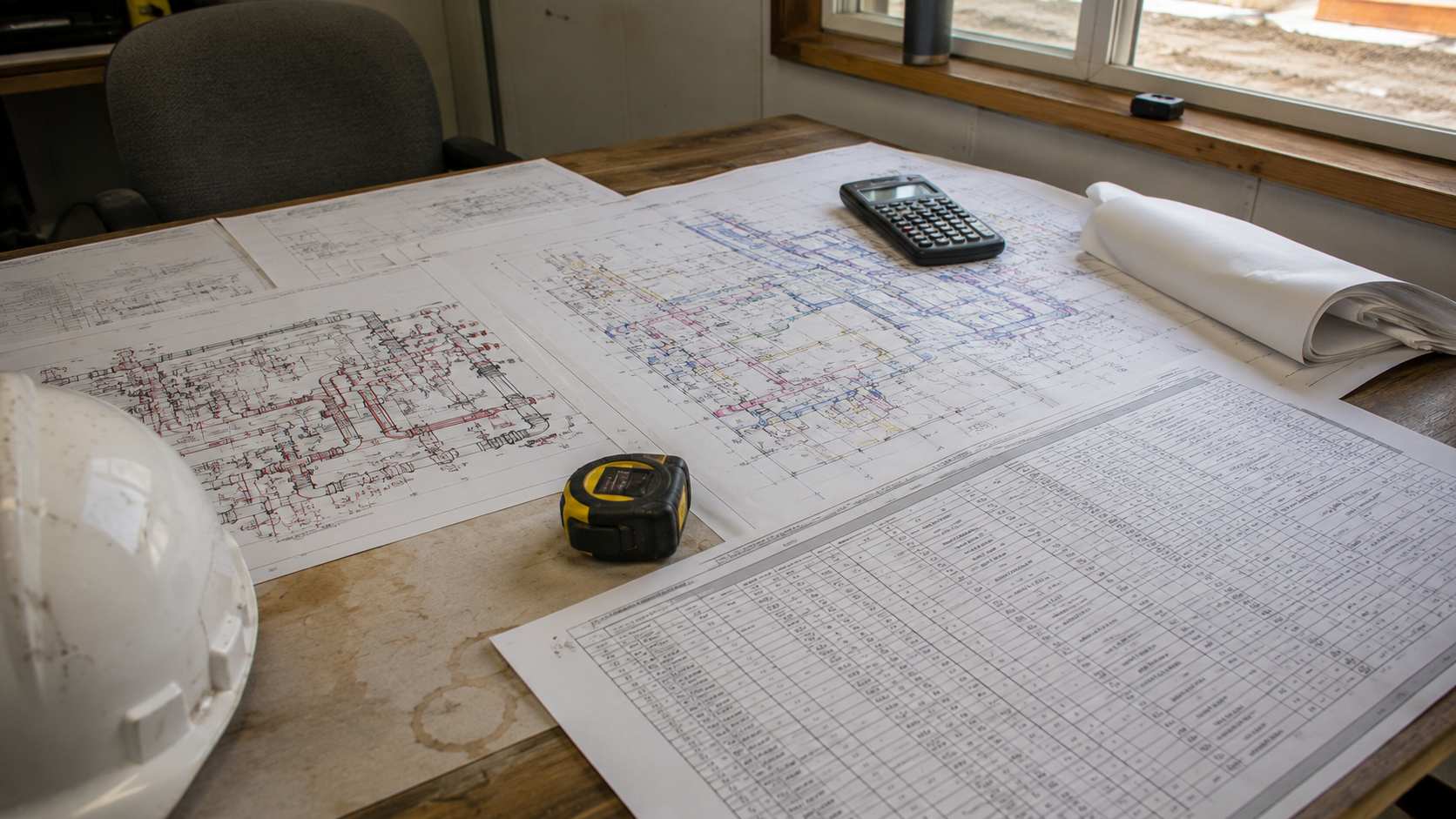
MEP contractors work with a different set of documents, calculations, and coordination challenges than a general contractor or structural engineer.
Fire protection teams deal with isometric drawings, sprinkler head counts, pipe sizing, and system coverage diagrams. Mechanical contractors work with ductwork layouts, P&ID schematics, equipment schedules, and coordination drawings. Electrical teams handle panel schedules, conduit routing, and load calculations. Plumbing contractors deal with fixture counts, pipe routing, and riser diagrams.
Each of those workflows has specific measurement needs, document types, and quantity tracking requirements. Generic Bluebeam training tends to show tools in the context of plan markups. That context doesn’t always translate.
The Cross-Trade Advantage
One of the most useful things about working across multiple trades is the pattern recognition it builds.
Troy DeGroot has built custom Bluebeam workflows for contractors across nearly every CSI division. What shows up consistently: a solution built for one trade’s challenge often has a direct parallel in another.
A custom assembly structure built for a concrete contractor’s quantity tracking workflow, for example, can be applied to a fire protection team’s pipe count process with surprisingly few modifications. The underlying logic is the same. The trade-specific details are different.
That kind of cross-industry thinking is what makes it possible to build a fire protection workflow that works, even if the thinking behind it first developed on a concrete job.
What a Well-Built MEP Bluebeam Setup Includes
When Bluebeam is set up specifically for an MEP contractor, it looks different from a generic installation.
For fire protection teams: custom Tool Sets for pipe lengths, sprinkler head counts, and coverage areas. Templates built around the document types you actually work from. Measurement tools calibrated for the scale and format of your drawings.
For mechanical contractors: ductwork measurement assemblies, equipment tagging workflows, and coordination markup standards that match how your team communicates with the GC and other trades.
For electrical teams: panel schedule workflows, conduit routing tools, and fixtures all built into the Bluebeam environment.
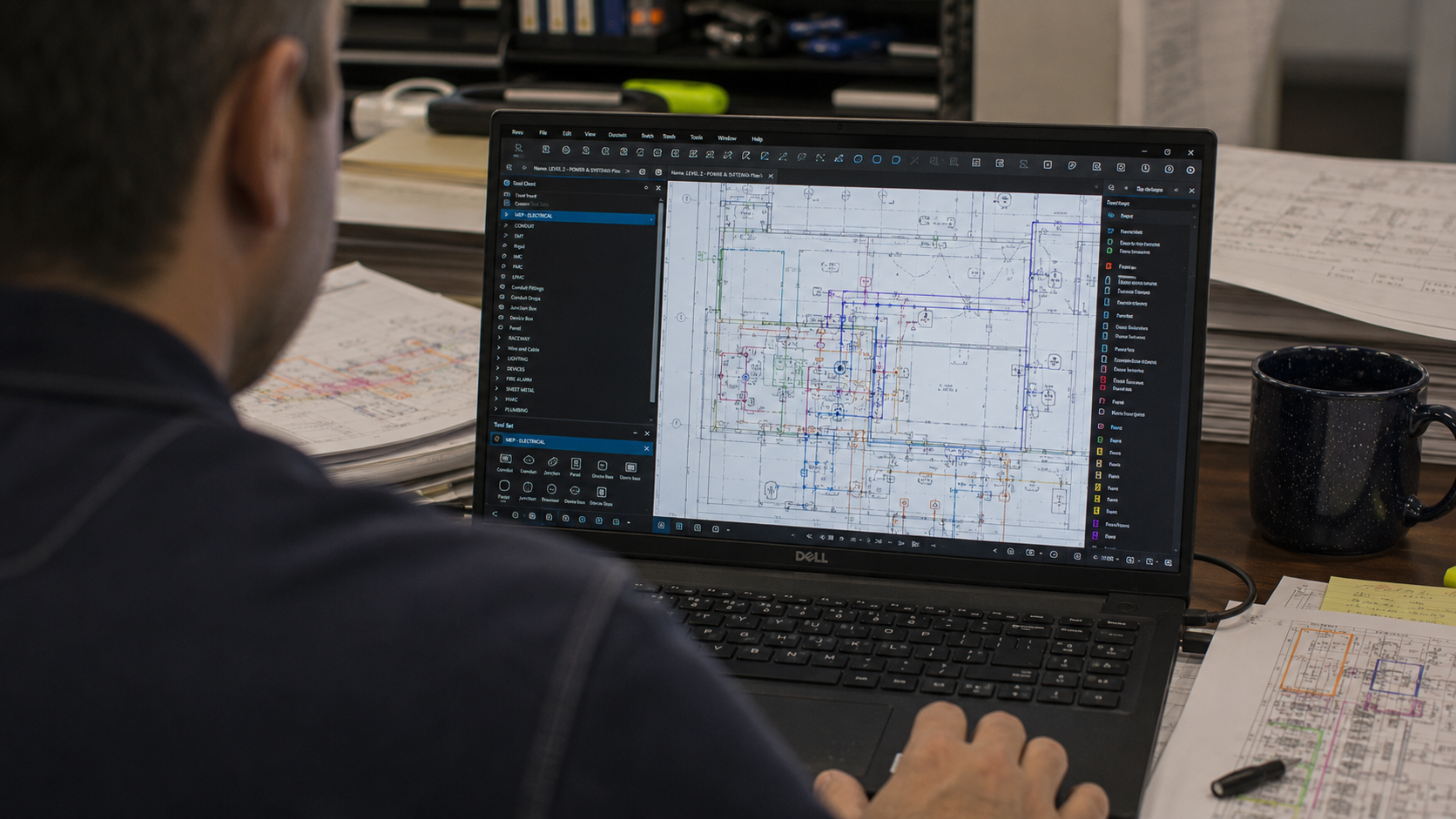
The common thread is that the tools are built around what your trade actually does, not what Bluebeam is generically capable of.
If you’d rather start from a pre-built library than a blank Tool Chest, my partner SimpleTech makes solid tool sets for Bluebeam Revu, covering electrical conduit, MC cable, rough-in, equipment, lighting, and fire alarm symbols, plus a P&ID set for mechanical with valves, pumps, and instrumentation, and plumbing on the way. You can see their tools here. Use code 8ZPLQYCOTL for 10% off at checkout. Keep in mind they’re visual tools. They’re a good starting point, but tracking quantities, systems, or any other data through your workflow takes custom columns and a setup built around how your team works. That’s exactly the kind of build I do. (Quick disclosure: that’s a referral link; I earn a small commission if you buy through it.)
What Changes When the Setup Matches the Work
The impact of a well-built MEP Bluebeam environment is consistent across trades: estimators move faster, the output is more consistent, and the work that used to require a senior team member’s judgment starts becoming something the tools can guide.
For mechanical and process piping teams specifically, the P&ID workflow is often the biggest time sink. When that workflow is built into Bluebeam properly, a process that used to take most of a day becomes a few hours of focused work. A reliability engineering team in the UK saw a P&ID workflow drop from 8 to 12 hours to 2 to 3 hours after a single implementation engagement.
That kind of result isn’t specific to one trade. It shows up wherever the training is built around the actual work.
Try This: Link Every Sheet Reference With Batch Link
If you take one thing from this post, make it this. On an MEP set, half the job is jumping between plans, details, and schedules, and Batch Link turns sheet references into clickable links. Here’s how to run it in Revu 21.
- First, go to the Thumbnails Panel (Alt+T) and use the Update Page Labels tool to include just the page number.
- Go to Batch > Link > New.
- Add your drawings with Add Open Files, Add, or Add Folder.
- Choose Page Labels as the search option, so Revu uses each sheet’s label as the Search Term.
- Click Generate to build the list of links.
- Review the Manage Links list and edit any Search Term or Destination that looks off. One Tip Here. Update the search term for the Cover Sheet to be a project number or something that’s on every sheet. This creates a home button on every page to get you back to the sheet index.
- Go to the Link Options and select Include Appearance Properties, set the color to Yellow, and the Style to Fill. This will place a highlight over all the hyperlinks so you can see them.
- Click Run and check the Batch Link Summary report.
Batch Link works best when every sheet already has its page label set. Once it runs, click a sheet number on any section cut or plan note, and you’ll jump to that sheet.
Once the set is linked, the next challenge is keeping track of everyone’s comments on it. Here’s how to filter the Markups List by author and status.
How UC2 Approaches MEP Workflows
An MEP engagement with UC2 starts the same way every engagement does: understanding your specific workflow. Your document types, your estimating process, your coordination requirements, and where you’re losing the most time.
From there, the Bluebeam environment gets built to match that workflow. Not a general contractor’s setup with your company name on it. A setup built specifically for how your specific company works.
Then comes training: workflow-specific sessions that show your team how to use what was just built for them, in the context of work they recognize.
See how UC2 approaches MEP and specialty contractor workflows.
Related reading: Bluebeam for Low Voltage Contractors.
Frequently Asked Questions
Does Bluebeam actually work well for fire protection workflows?
Yes, and it’s often significantly underutilized in fire protection. Isometric drawings, sprinkler head counts, and coverage diagrams are all areas where a custom Bluebeam setup produces immediate, measurable time savings. The key is building the measurement tools and assemblies around the specific requirements of those document types.
What’s different about a Bluebeam setup built for MEP compared to a standard installation?
A standard installation has the tools Bluebeam ships with. An MEP-specific setup has custom Tool Sets, measurement assemblies, and templates built around the document types, quantities, and workflow steps specific to your trade. The difference in speed and consistency is significant.
Can Bluebeam handle our coordination workflow with the GC and other trades?
Yes. Bluebeam Studio is built for multi-party review and collaboration, and when the markup standards are set up consistently across your team, the coordination process becomes much cleaner. Part of a well-built setup includes standards for how your team communicates in the documents, so the GC and other trades can read your work clearly.
Does this work for both estimation and field coordination, or just one?
It can address both. Estimating workflows and coordination workflows have different requirements, but both are addressable in Bluebeam with the right setup. Many MEP companies find value in building both, since the efficiency gains in estimating often free up time that benefits coordination work as well. The best case scenario is markups made for one are used for the other rather than redoing them.
Responses