
How to Standardize Bluebeam Workflows Across Your Entire Team

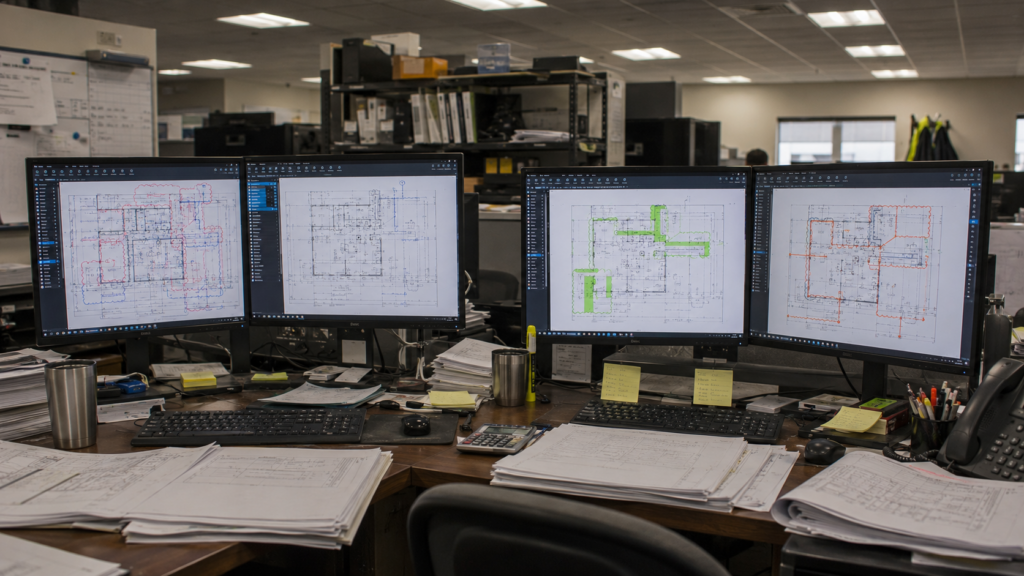
It happens at almost every company that uses Bluebeam.
Two estimators. Same software. Same project. The markups look completely different. The colors don’t match, the measurement labels are inconsistent, and nobody can tell who did what without asking.
It’s not a people problem. It’s a systems problem.
Why Inconsistency Persists
Most Bluebeam users are self-taught. They figured out what works for them, built habits around it, and they became fast enough. The problem is that “what works for them” is usually different from what works for their coworker.
When a team grows, those individual habits collide. Without a shared standard, every project becomes a small negotiation: whose markup style do we use, how do we label dimensions, what colors mean what.
That’s friction. And it accumulates quietly.
Standardization Isn’t a Training Problem
Most companies do not turn to training. They ignore the problem, because nobody has the time to stop and fix it.
“It would take me longer to fix it than to just do it myself” is the quiet math almost everyone runs, and it’s usually true. Everyone’s stressed, everyone’s out of time, and asking for help feels like it would slow things down more than speed them up.
You can train a team on Bluebeam for an entire day and still watch them slide back into old habits five minutes after class. Why? Because training teaches people the picks and clicks. It doesn’t teach you WHY to pick the clicks.
Standardization requires building company specific requirements into the tools themselves.
What a Standardized Setup Actually Looks Like
When a Bluebeam environment is built for consistency, every person on your team opens Bluebeam and sees the same things: the same custom Tools and Tool Sets, the same Profile, the same templates, the same naming conventions.
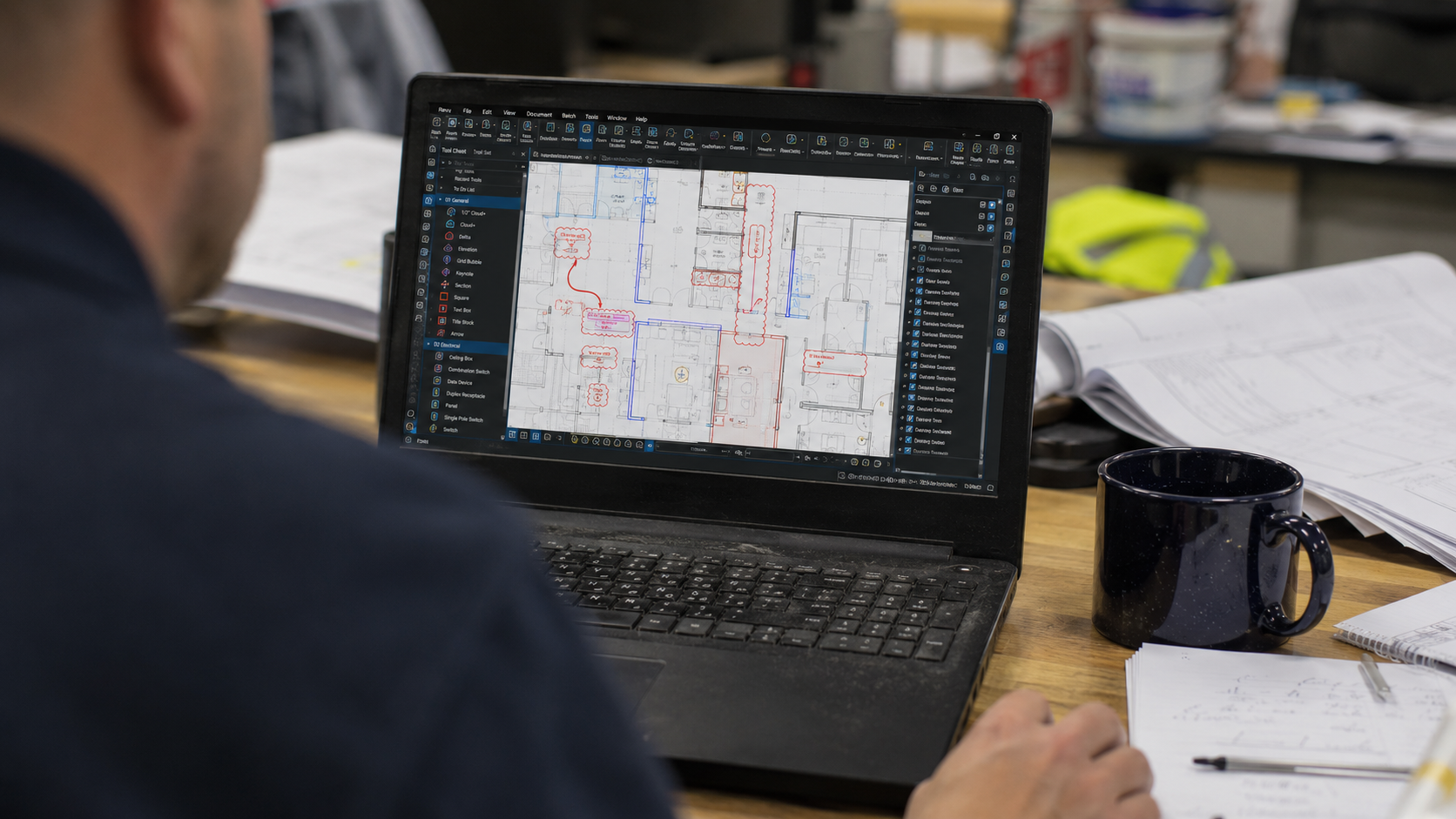
The goal isn’t to restrict creativity. It’s to remove the decisions that shouldn’t require creativity in the first place. What color is a revision cloud? How do you label a linear measurement? Where do you want to display the measurements, on the drawing, or trust they’re in the markups list?
When those decisions are already made and built into the tools, your team stops arguing about conventions and starts doing actual work.
The Philosophy Behind It
This is the approach Troy DeGroot has built his workflow consulting practice around: design systems so intuitive that people trip into doing it correctly, and have to go out of their way to do it wrong.
That philosophy didn’t come from a textbook. It came from 18 years of structural design and years of watching what happens when good people work inside bad systems. The system should make excellence the path of least resistance.
When it does, adoption isn’t a fight. It’s just how things work.
What Changes When You Get This Right
The results aren’t abstract. When a team operates from a shared, well-built Bluebeam environment:
- New hires get up to speed faster because the tools guide them.
- Project reviews are faster because everyone’s markups are readable and consistent.
- Handoffs between team members don’t require translation.
- Errors and misunderstandings drop because the system catches inconsistencies before they become problems.
None of that requires everyone to be a Bluebeam expert. It requires the environment to be built by one.
How UC2 Approaches It
Building a standardized Bluebeam environment is part of what UC2 does in a consulting engagement. It starts with understanding your workflow: what your team actually does, what decisions they make repeatedly, and where the friction is.
From there, the environment gets built to match your process. Not a generic template. Not a demo setup. A Tool Set and Profile structure built around the way your company actually works.
Then comes training: focused, workflow-specific sessions that show your team how to use what was just built for them. The combination is what makes it stick.
See how UC2 approaches workflow consulting.
Frequently Asked Questions
How do you get a team to actually adopt a new workflow instead of reverting to old habits?
The most reliable way is to make the new workflow easier than the old one. When the tools are pre-configured for consistency, reverting means doing more work, not less. Add a focused training session that walks people through the new setup in the context of their actual work, and adoption becomes a natural outcome rather than a management challenge.
How long does it take to build a standardized Bluebeam environment for a team?
It depends on the complexity of the workflow and the number of trades or departments involved. A focused consulting engagement can produce a fully customized setup in one to three sessions. Training the team typically follows immediately after.
What if our team has people at very different skill levels?
That’s actually when a well-built environment matters most. A beginner can open Bluebeam, find the right tool immediately, and use it correctly because the system was designed that way. Advanced users benefit too: the environment handles the routine work automatically so they can focus on the tasks that actually require their expertise.
Can we standardize without losing flexibility for complex or unusual projects?
Yes. A good Bluebeam setup doesn’t eliminate flexibility; it creates a clear foundation that everyone starts from. Custom workflows and one-off tools are still possible. The difference is that the standard is now the default, not the exception.

Responses