

What Happens After Bluebeam Training? The Gap Most Companies Miss

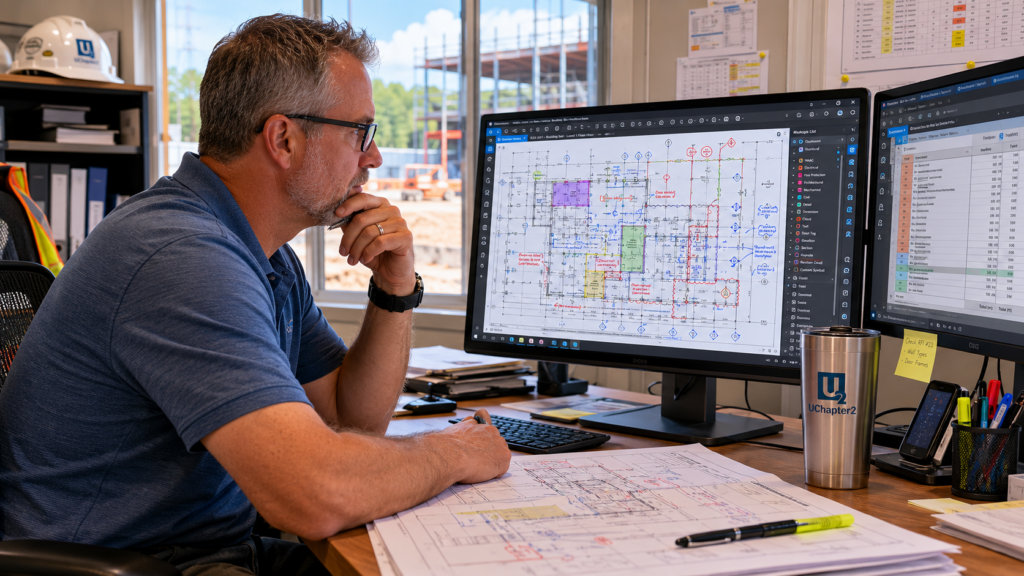
You’ve done the training. Or something that looked like it.
Maybe it was a YouTube video pulled up in the middle of a project. Maybe it was free content found online, or a session put on by a trainer who had never set foot on a jobsite. The tools got covered. Some buttons got clicked. And then everyone went back to work.
So why is the work still inconsistent? Why does every estimator still have their own system? Why does the senior guy still do it in his head instead of using the tool?
And why, three months later, does it feel like not much has actually changed?
You’re not alone. This is the most common story operations leaders, project managers, and business owners share when they first connect with UChapter2. The training happened. The results didn’t follow.
Here’s why, and what the companies that break through this do differently.
Training Teaches the Buttons. It Doesn’t Teach the Work.
Most Bluebeam training covers features. What button does what, where to find each panel, how to create a markup. That’s where the curriculum starts and, too often, where it ends.
The problem isn’t the buttons. It’s that most training sources don’t have real industry experience behind them. There’s no one explaining why you’d click that button on this type of project, in this sequence, to get to that specific result. Without that context, the tool sits on the screen and the work still happens the way it always has.
What you’re left with is a team where everyone learned something slightly different, from slightly different sources, and brought it back to the same job. Different tool sets, different naming conventions, different approaches to the same takeoff. Some of those tool sets came straight from a random forum, built for someone else’s problem, not yours. The result is a mismatch of tools, skills, and habits with no standardization connecting any of it.
Training doesn’t solve that. A system does.
The 30-Year Veteran Problem
Almost every company has one: the person who’s been in the business for 25 or 30 years and knows everything. Estimating logic, job-specific quirks, constructability knowledge that took decades to build.
It’s all in their head. None of it is documented.
Most of the time, companies don’t actually expect the veteran to adopt a new system. They just work around them and let them finish out their career the way they always have. The veteran becomes an island. Colleagues pull them aside constantly with questions about how they do something, why they made a certain call, what the right approach is for a specific situation.
It’s exhausting for everyone involved, and it doesn’t get better.
The right approach isn’t to work around the veteran. It’s to make them the center of the room.
The goal is to capture that constructability knowledge and build it directly into the tools. When that happens:
- The questions start to dry up. The workflow carries the answers.
- The veteran sees something shift. Their knowledge isn’t being bypassed. It’s being preserved.
- The team gets access to decades of expertise in a form that doesn’t retire when the person does.
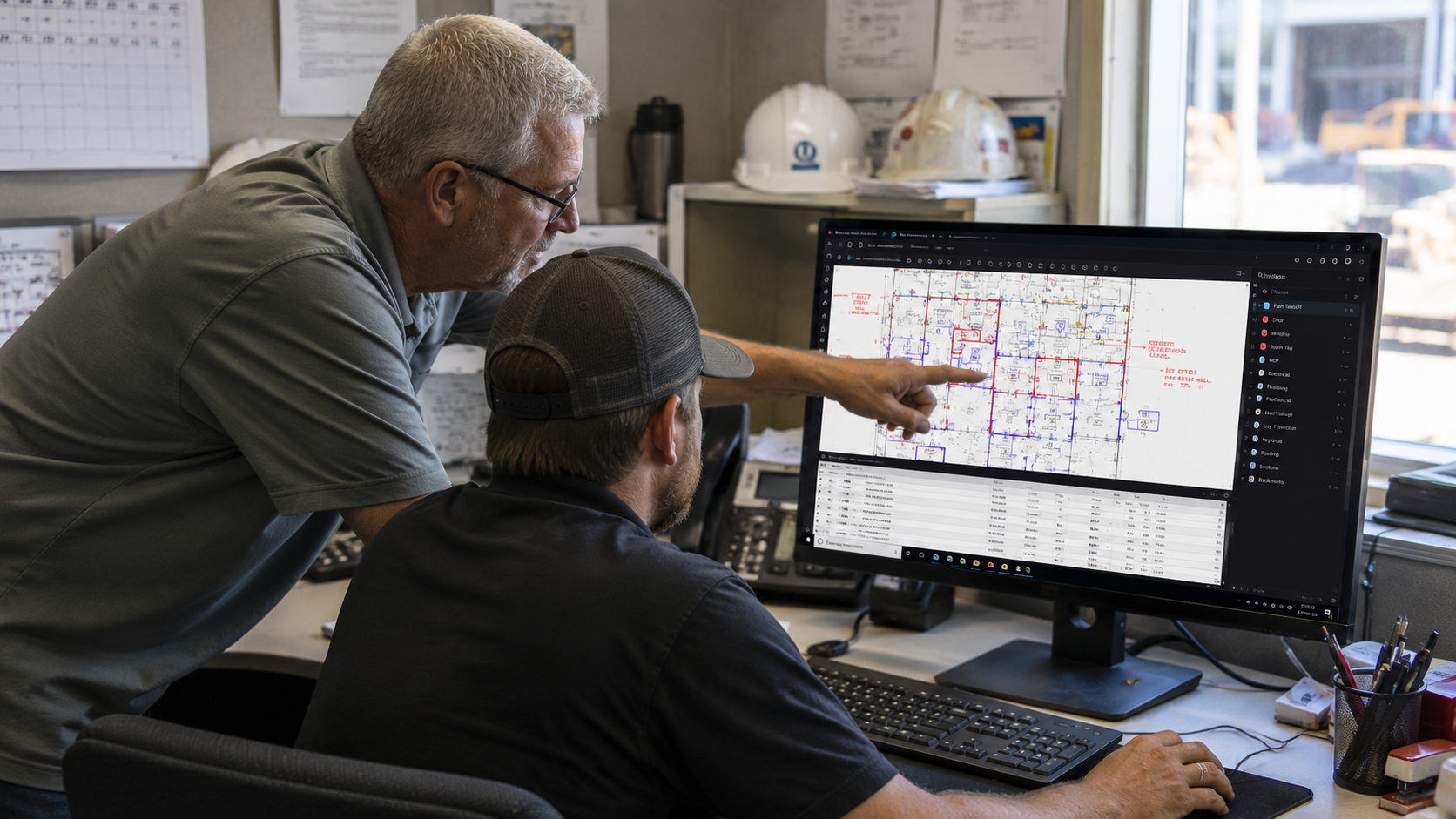
Done right, the veteran doesn’t feel pressured to change. They feel like they’re leaving something behind. That’s a very different conversation, and owners recognize it before they can fully name it.
What ‘After Training’ Should Actually Look Like
The companies that get full value from Bluebeam don’t just do training. They build a system first, then train their team to use that system.
That’s a different sequence than most companies follow, and it changes everything.
Step 1: Understand How the Work Actually Happens Today
Before anything is built or changed, you have to spend real time in the current state. Every estimating department is different. UChapter2 has built custom Bluebeam workflows for at least 12 concrete contractors and several window, door, and glazing companies, and most other CSI divisions. No two are ever the same. The starting point matters more than most companies realize.
This is the same real time spent in a Bluebeam Workflow Assessment, the paid session where Troy documents exactly how your team works today before a single tool gets built.
Step 2: Build Tools With the End in Mind
The most common mistake in Bluebeam customization is building tools that look good in a demo but don’t fit where the data needs to land.
The right approach starts at the finish line: where does this information need to go, and what does it need to look like when it gets there? Then work backwards to design the tools that get it there. Every tool, template, and workflow is built around that answer. That’s not a tool you find on a shelf somewhere for free.
Step 3: Train Around the System You Built
Generic training creates generic results. When training is built around the specific tools, workflows, and real-world scenarios your team faces every day, adoption happens faster and results last longer.
Tim Webster from TWEMCO LTD in the United Kingdom had a P&ID workflow that previously took 8 to 12 hours. The day after his engagement with UChapter2, he completed it in 2 to 3 hours. The day after!
Musselman & Hall Contractors saw the same pattern at a larger scale. After a full custom implementation across two offices, their preconstruction team estimated the system was saving 3 to 4 hours a week per estimator, per bid. That works out to roughly 60 hours a month. The engagement was significant enough that Bluebeam published it as a case study on their own platform.

That’s not a Bluebeam feature. That’s a system working.
For most companies, the engagement doesn’t end with training. Ongoing consulting support is available throughout implementation and beyond, so your team is never left to figure out the next step on their own.
One More Thing Worth Knowing
Workflow-focused Bluebeam training has become more common in recent years, and that’s a good thing for the industry. Troy DeGroot has been building and teaching Bluebeam workflows since 2017, before workflow became the word everyone started using.
UC2 is also independent. There’s no software reseller relationship, no sales quota, no reason to recommend anything other than what actually helps your team work better. The only measure of success here is whether your people can use Bluebeam to do better work. That’s it.
The Goal Isn’t Better Software Use. It’s Better Business Operations.
When a Bluebeam workflow is designed correctly, something shifts for the entire team.
Bids go out faster. Crunch time becomes manageable because everyone is working from the same system. Errors that used to slip through show up as system flags instead of costly mistakes. The senior estimator’s approach to rounding and waste factors aren’t just in their head anymore. It’s in the tools.
The goal is a system so intuitive that people trip into doing it correctly and have to go out of their way to do it wrong. When someone does go off-script, it shows up as a learning opportunity, not a project failure.
That’s the difference between ‘we did training’ and ‘our workflow works.’
Try This: Share a Tool Set With Your Team
If you take one thing from this post, make it this. The fastest way to keep training from fading is to put the same tools in everyone’s hands, and it works the same whether you’re sharing takeoff tools, review stamps, or punch markups. Here’s how to share a Tool Set in Revu 21.
- Open the Tool Chest (Window > Panels > Tool Chest, or Alt+X).
- Select the gear icon next to the Tool Set you want to share, then choose Export.
- Pick a folder, ideally a shared network location, and click Save. Revu saves it as a .btx file.
- On a teammate’s machine, open the Tool Chest and go to Tool Chest > Manage Tool Sets.
- Select Add > Add Existing, browse to the .btx file, and click Open.
- Under Display, choose Show in All Profiles, then click OK.
Adding the file from a shared location means everyone works from the same Tool Set. Choosing Import instead copies it locally, which is fine for one person but won’t stay in sync across a team. If you do sync the same Tool Set across your team, I suggest locking the shared folder the .btx file is in so if users make changes or delete anything it doesn’t affect everyone. Make a habit of internal user group meetings to share new tools so the team moves forward together.
Don’t have tools worth sharing yet? Start by learning how to turn any markup into a reusable tool.
Where to Start
If your team has done Bluebeam training and the results haven’t matched the investment, the right next step isn’t more training. It’s a conversation.
A free 30-minute Intro Call is where every UChapter2 engagement begins. There’s no pitch. It’s a chance to understand your current workflow, ask the right questions, and be honest about whether and how we can help.
More than 150 custom implementations across virtually every CSI division have started exactly this way. It doesn’t cost anything to find out whether your situation is one we’ve seen before.
Frequently Asked Questions
We already have Bluebeam tool sets. Do we need to start from scratch?
Not necessarily. The assessment process starts by looking at what you already have. Some companies have strong foundations that just need refinement. Others have tool sets that were built without a clear system behind them and need to be rebuilt to match how the work actually flows. You’ll know which situation you’re in before any work begins.
How long does it take to see results?
The Tim Webster example from TWEMCO in the UK is a good benchmark. He completed a P&ID workflow in 2 to 3 hours that previously took 8 to 12, the day after his engagement. Results vary depending on workflow complexity, but immediate application is always the goal. You shouldn’t have to wait weeks to see whether the system is working.
We’ve had Bluebeam training before and it didn’t stick. What makes this different?
Most Bluebeam training is built around features, and often delivered by people without real construction industry experience. UChapter2’s approach is built around your specific workflow, with instruction grounded in real-world construction and design context. When people are trained on tools designed for their actual work, adoption is faster and results last longer. If you’re not ready for a full assessment, UChapter2’s on-demand courses are built the same way: workflow-based, about 2 hours each, and designed so you practice what you learned the same day.
Can this work for a company our size?
UChapter2 has worked with teams of all sizes, from small subcontracting shops to municipal governments and regional general contractors, in the US and internationally. The workflow challenges are usually more similar than companies expect, regardless of size.
What if we just want consulting without a formal training rollout?
The assessment process helps identify what actually moves the needle for your team. Some companies need custom builds and consulting without a formal training component. Others find training is exactly what’s missing after the system is built. The free Intro Call is the right place to work through what combination makes sense for your situation.
Responses