Premium Coaching Call – Viewports with Other Tips & Tricks
Hope you enjoy the Premium Tool Building Workshop. To view the premium content below you must have the correct membership level. This is just one of many valuable resources you’ll have access to as a Premium Member. Click here to learn more.
In this coaching call, Shawn in Minnesota has several markups that were built to scale. When he lays them on on smaller-scale drawings they become cluttered and hard to read. He reached out asking about Viewports, but I ended up showing a few different solutions and a ton of tricks. Also, I should note the tools Shawn is using were built by UChapter2.
Topics include:
Snapshot
Layers
Viewport calibration
Disable Lineweights
Dimmer
Keyboard tricks
and more.
Hope you enjoyed the webinar and are inspired to dive deeper into the benefits of Bluebeam Revu. Be sure to check out all the resources here at UChapter2 and make sure to connect in the Brainery forum community.
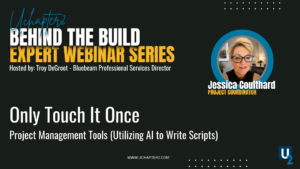
Learn how the Touch It Once philosophy helps construction teams reduce duplicate work, improve communication, and build more efficient workflows from estimating through project closeout.
Watch the recording of the Behind the Build webinar exploring the latest developments in construction safety. Learn about emerging technologies, evolving best practices, improved communication strategies, and practical ideas that help construction teams build safer, more efficient projects.
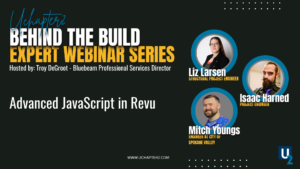
Discover how advanced JavaScript inside Bluebeam Revu can automate repetitive tasks, improve form functionality, and create smarter workflows for construction teams.
Report
There was a problem reporting this post.
Block Member?
Please confirm you want to block this member.
You will no longer be able to:
See blocked member's posts
Mention this member in posts
Invite this member to groups
Message this member
Add this member as a connection
Please note:
This action will also remove this member from your connections and send a report to the site admin.
Please allow a few minutes for this process to complete.