
The Hidden Help Button in Bluebeam Revu, and How to Make It Work for You
Most Bluebeam users don’t realize they can create a built-in help button inside Revu. Learn how to use the WebTab feature to access answers, workflo…




The New Year is the perfect time to reset, not just personally, but professionally. For architects, engineers, contractors, and construction teams, productivity gains often come…

The ROI of Professional Training: Building a Smarter Construction Industry The Paperless Jobsite Isn’t the Future, It’s Already Here Walk onto a jobsite today and…

Invited to a Bluebeam Studio Session Hosted on Another Server? Here’s What You Need to Know The other day, I received an invite to join…

How to Save and Share Pinned Categories in Bluebeam Revu: The Tip You Didn’t Know You Needed. If you’ve ever reinstalled Bluebeam Revu, or wanted…
Bluebeam Outage 2025 Recap: What Happened—and How to Fix Ongoing Issues This past Monday, June 30, 2025, Bluebeam users around the world were hit with…
Bluebeam 21.6.0: Full Native Support for ARM-Based Windows Laptops What’s New in Bluebeam 21.6.0 for ARM Users If you work in the AEC industry and…
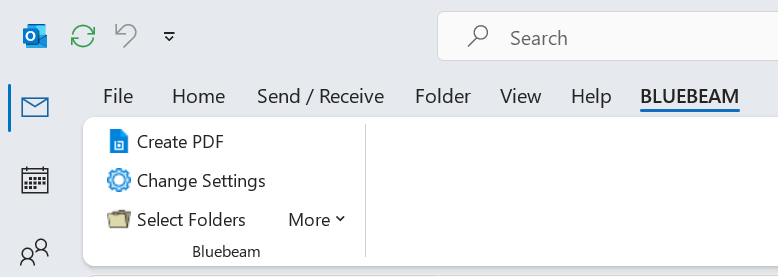
Why Bluebeam Plugins Are Missing in Microsoft’s New Outlook Bluebeam Plugin Compatibility with Microsoft’s New Outlook I recently transitioned to a new computer, and man,…
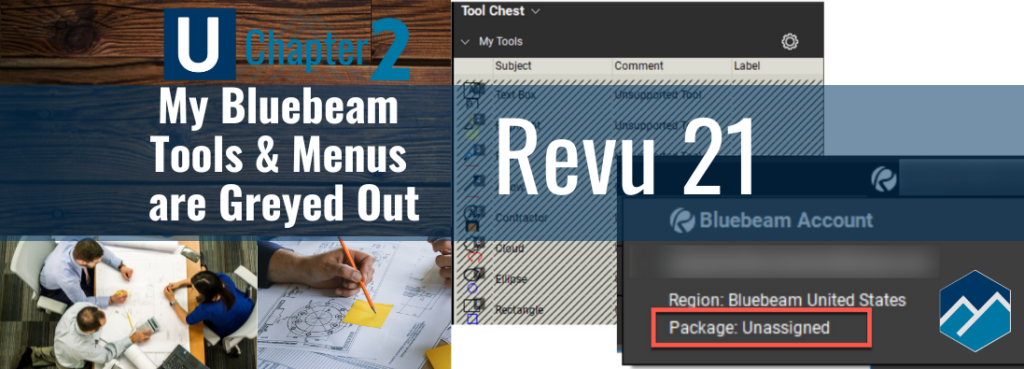
Starting every training class I hear – “All My Bluebeam Tools & Menus are Greyed Out!” Hello Bluebeam Revu users! With the rollout of Revu…
Please confirm you want to block this member.
You will no longer be able to:
Please note: This action will also remove this member from your connections and send a report to the site admin. Please allow a few minutes for this process to complete.